






Salesforce is often the system people trust most, because it knows the most. Customer profiles, deal notes, support cases, marketing preferences, and sometimes even health-related records all live inside a single Salesforce environment. That concentration of valuable data makes Salesforce security a business issue, not just an admin checklist. One overly broad permission set, weak password security, or a forgotten integration token can quickly turn into a Salesforce data leak that’s expensive to fix and difficult to explain.
If your organization is dealing with GDPR, HIPAA, or SOC 2, the bar is higher. You’re expected to prove control over how users access Salesforce, how Salesforce data security is enforced, how connections are protected with transport layer security, and how security events are detected and handled. Salesforce provides strong security infrastructure and security features, but compliance depends on how your Salesforce org is configured and how consistently those security controls are reviewed across sandboxes, integrations, and multiple Clouds.
In this guide, we’ll walk through practical Salesforce security best practices that map directly to GDPR, HIPAA, and SOC 2 requirements. Think of this as a practical Salesforce security guide for teams that want to understand how to protect against data breaches while keeping their Salesforce platform usable, auditable, and defensible.
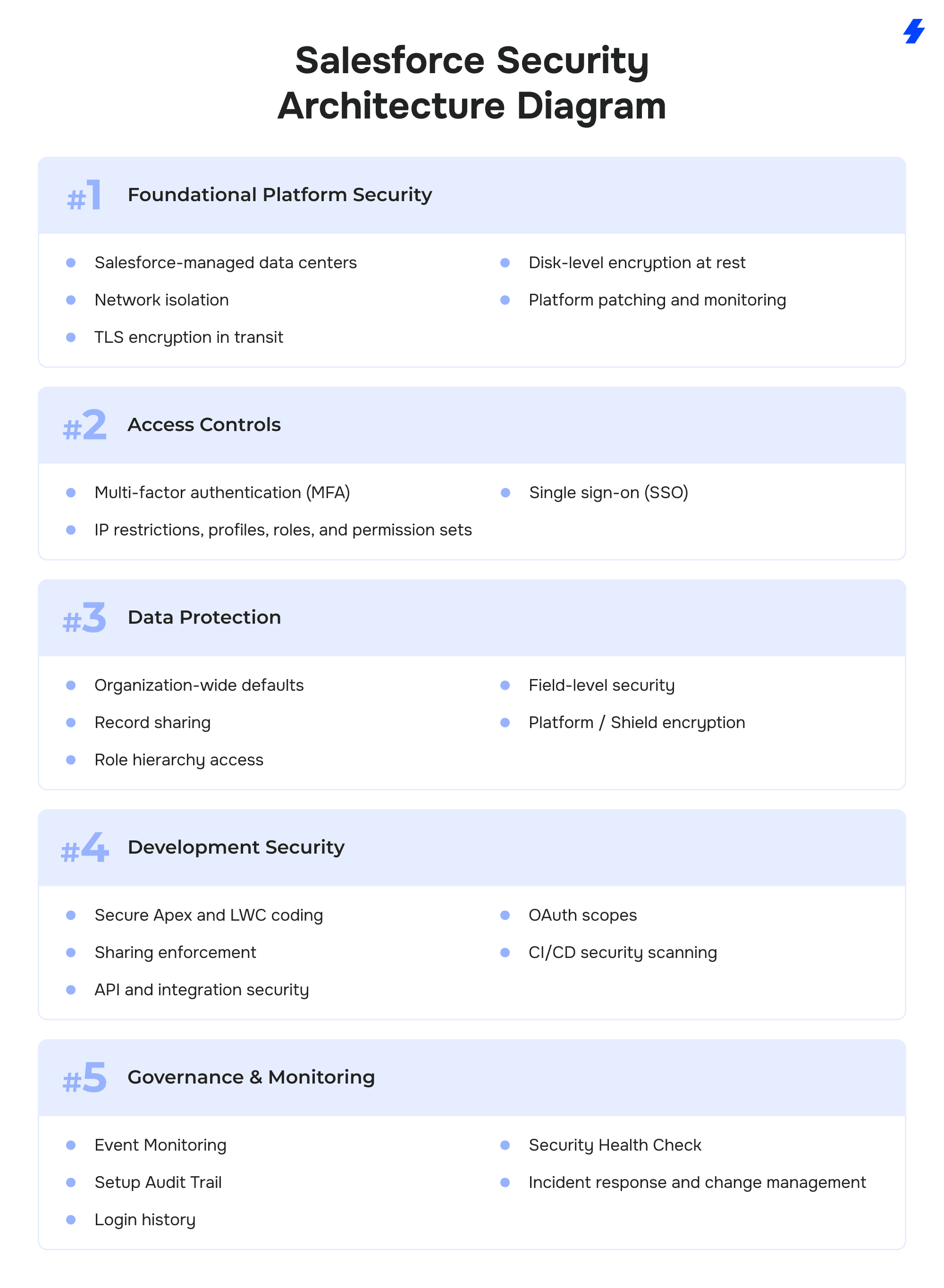
Salesforce Security Architecture Diagram
Why Compliance Matters for Salesforce Security
A single setting or product add-on doesn’t define Salesforce security. Your organization’s security posture is shaped by how well you implement security controls around identity, data protection, monitoring, and incident response. These are the same areas auditors review when evaluating security risks, potential vulnerabilities, and your organization’s security status. GDPR, HIPAA, and SOC 2 approach compliance differently, but all assume that sensitive data inside a Salesforce instance is protected by design, not after a breach occurs.
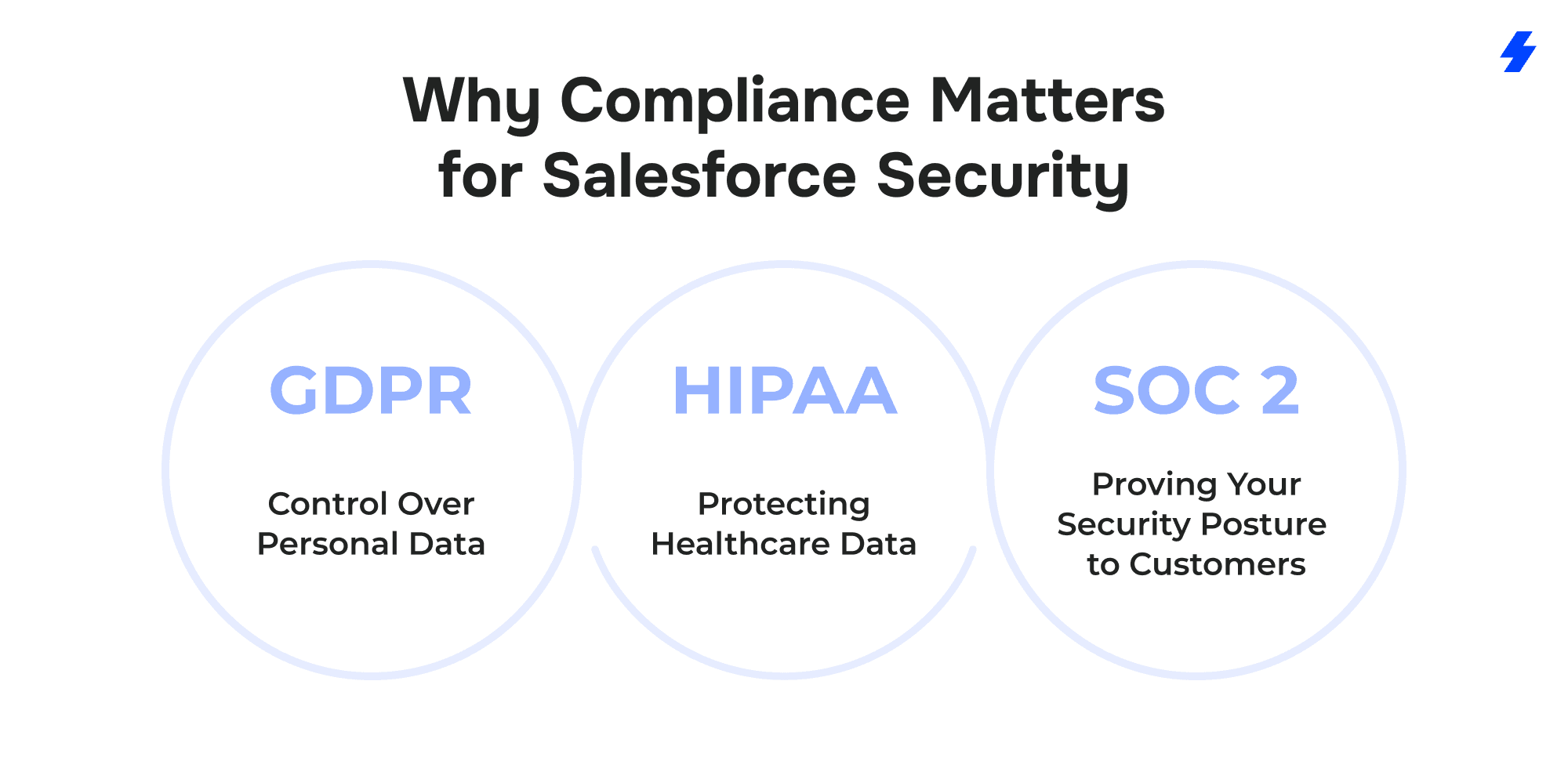
GDPR: Control Over Personal Data
GDPR focuses on personal data tied to EU residents and gives individuals clear rights over how that data is used. For Salesforce teams, this changes how records are collected, stored, and removed. Additionally, Salesforce supports GDPR compliance through the use of Binding Corporate Rules (BCRs) for customers involved in cross-border data transfers. This allows organizations to safely process EU personal data in compliance with GDPR’s stringent data residency and transfer requirements.
Compliance requires the ability to:
- Limit what personal data enters Salesforce in the first place.
- Prove lawful processing through consent tracking.
- Restrict access to personal data based on role and business need.
- Respond to data access and deletion requests without manual workarounds.
If Salesforce security controls aren’t enforced consistently, GDPR exposure grows fast. A single user with excessive permissions or an unmanaged integration can make it impossible to demonstrate compliance during an audit or investigation.
HIPAA: Protecting Healthcare Data Without Exceptions
HIPAA raises the stakes because it applies to protected health information (PHI). Salesforce can be used in healthcare, but only when it’s configured with strict security measures and backed by formal agreements. Salesforce also requires organizations to sign a Business Associate Agreement (BAA) before processing PHI, ensuring that both Salesforce and third-party vendors are held accountable for protecting this sensitive data. BAA availability depends on your Salesforce agreement / edition and must be requested via Salesforce’s compliance process.
HIPAA requires organizations to ensure:
- Confidentiality of PHI through encryption and access controls
- Integrity of records by tracking every change
- Availability of data without exposing it to unauthorized users
Salesforce customers handling healthcare data must sign a Business Associate Agreement (BAA) and take responsibility for configuration. Without detailed audit logging, least-privilege access, and secure communication channels, even routine support workflows can violate HIPAA requirements.
SOC 2: Proving Your Security Posture to Customers
SOC 2 compliance depends on how organizations protect data across their systems, including Salesforce. It evaluates security practices related to confidentiality, availability, and processing integrity. Salesforce users must ensure that multi-factor authentication (MFA) is enforced, access is limited to authorized users only, and that audit trails are maintained to provide visibility into system activities.
For Salesforce users, SOC 2 compliance depends on:
- Enforcing multi-factor authentication and strong password security
- Monitoring user activity and system events
- Documenting incident response and recovery processes
- Maintaining backups and tested disaster recovery plans
SOC 2 audits don’t just look at tools; they examine how Salesforce security settings are reviewed, monitored, and enforced over time. Gaps between policy and practice are where audits usually fail.
The Common Thread
GDPR, HIPAA, and SOC 2 all point to the same conclusion: Salesforce security is a shared responsibility. Salesforce provides the security infrastructure, but compliance depends on how your organization configures access, protects data, and validates its own controls.
Treating compliance as a one-time setup is where most teams get into trouble. Treating it as an ongoing security discipline is how Salesforce becomes an asset instead of a liability.
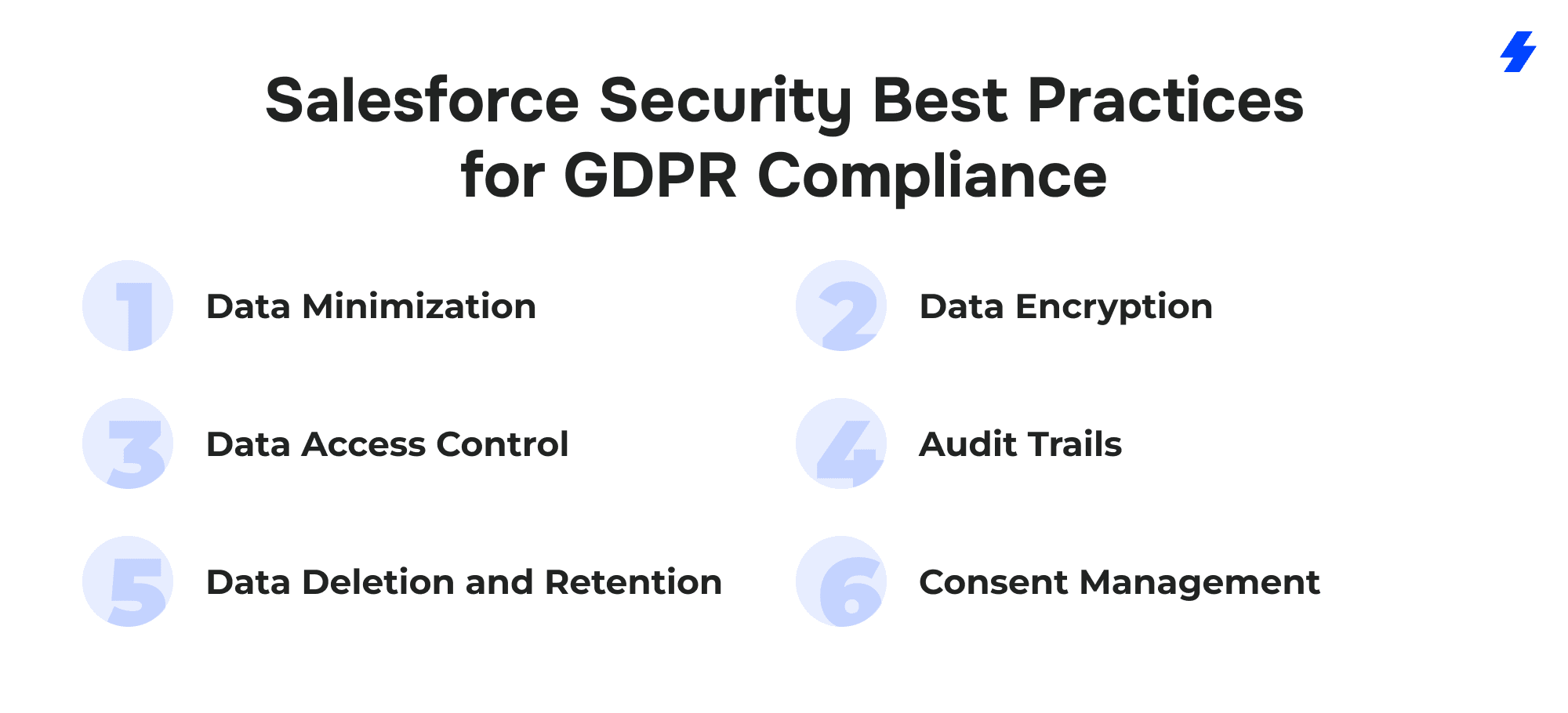
Salesforce Security Best Practices for GDPR Compliance
GDPR compliance in Salesforce depends on disciplined control over how personal data enters the system, how it is accessed, and how long it is kept. The regulation does not require special tools as much as it requires consistent security decisions that can be explained and defended. Salesforce supports these requirements when its security features are configured with intent.
Data Encryption
Data encryption protects personal data both at rest and in motion. Salesforce supports encryption at rest through platform encryption, including Shield Platform Encryption, which is appropriate for fields, files, and attachments containing personal data. Data in transit must always be protected with TLS (1.2+) in transit and disable legacy protocols where applicable, including API traffic, browser access, mobile device connections, and integrations. Teams should also ensure connection security when using external URLs, manage redirects carefully, and enforce secure connections across the Salesforce ecosystem to reduce exposure.
Data Access Control
This is one of the most common weak points in GDPR compliance. Salesforce security works best when access is based on role and necessity, not convenience. Profiles and permission sets should be designed to limit visibility of personal data to users who genuinely need it. Overly broad access, inherited permissions, and unused user accounts create security risks that are difficult to justify during audits.
Audit Trails
Salesforce offers tools to track data changes and user access, but those logs only help when they are actively reviewed. Field history tracking, field audit trail, and login history allow teams to understand who changed personal data and when. Regular reviews help identify permission issues early and demonstrate control over the Salesforce environment.
Data Deletion and Retention
Salesforce orgs must be able to locate personal data and remove it when it is no longer required or when an individual requests deletion. Retention rules should be defined per object and enforced through automation where possible. Manual cleanup increases the risk of missed records, especially when personal data exists across multiple clouds and integrations.
Consent Management
It ties GDPR compliance to day-to-day Salesforce usage, particularly in marketing and customer communications. Salesforce can store consent status directly on lead and contact records, along with timestamps and sources. That consent data should control downstream activity, ensuring personal data is not used beyond the scope agreed by the individual.
When these practices are applied consistently, Salesforce becomes easier to manage from a GDPR perspective. Security settings remain defensible, data handling stays intentional, and compliance becomes part of normal Salesforce operations rather than a reactive exercise.
Salesforce Security Best Practices for HIPAA Compliance
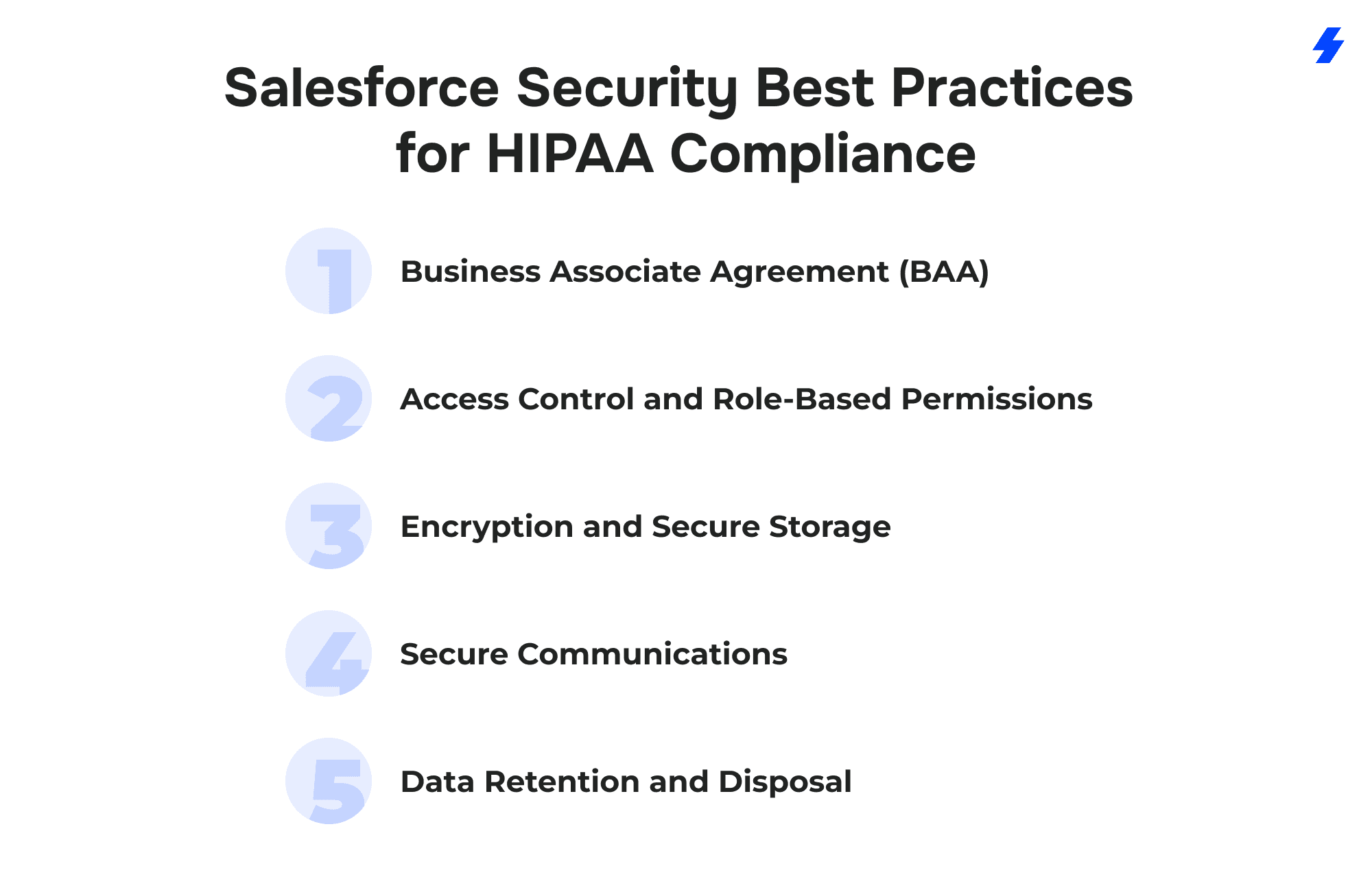
Business Associate Agreement (BAA)
A Business Associate Agreement is a required foundation for using Salesforce with protected health information. Organizations must execute a BAA with Salesforce and confirm that any third-party vendors connected to the Salesforce environment are also covered. The agreement defines responsibilities around safeguarding ePHI, reporting incidents, and limiting how healthcare data can be used. Without a BAA in place, Salesforce should not be used to store or process healthcare records.
Access Control and Role-Based Permissions
HIPAA expects strict control over who can access healthcare data. In Salesforce, this means enforcing least-privilege access through carefully designed profiles, permission sets, and role hierarchy. Users should only see records and fields required for their job functions. Access reviews should be part of regular security operations, particularly when employees change roles or temporary access is granted.
Audit Logging
Audit logging provides visibility into how healthcare data is accessed and modified. Salesforce supports this through tools such as field history tracking, field audit trail, and event monitoring. These logs allow organizations to track user activity involving ePHI and demonstrate accountability during audits or investigations. Logging should be enabled consistently and reviewed on an ongoing basis, not only after an incident occurs.
Encryption and Secure Storage
Encryption is a core safeguard for protecting healthcare data in Salesforce. Sensitive fields, files, and attachments containing ePHI should be encrypted using Salesforce Shield Platform Encryption. Data must also be protected while in transit through secure connections for browser access, APIs, and mobile devices. Encryption reduces exposure if unauthorized access occurs and supports HIPAA requirements for data confidentiality.
Secure Communications
Healthcare workflows often involve communication through cases, emails, and shared files. These channels can expose ePHI if not configured properly. Salesforce environments handling healthcare data should use encrypted email solutions, controlled file access, and secure transfer methods for exchanging information. Communication settings should be reviewed alongside user permissions to prevent accidental disclosure.
Data Retention and Disposal
HIPAA requires organizations to retain healthcare data for defined periods and dispose of it securely when it is no longer needed. Salesforce orgs should document retention rules for objects containing ePHI and automate deletion or archival where possible. Secure disposal must also account for sandboxes, backups, and integrated systems to ensure healthcare data is not retained beyond policy limits.
Salesforce Security Best Practices for SOC 2 Compliance
SOC 2 compliance in Salesforce focuses on how consistently security controls are applied, monitored, and reviewed over time. Auditors look for evidence that systems are protected, incidents are handled in a predictable way, and risks introduced by users or integrations are actively managed. Salesforce supports these requirements when security measures are treated as part of normal operations rather than one-time setup tasks.
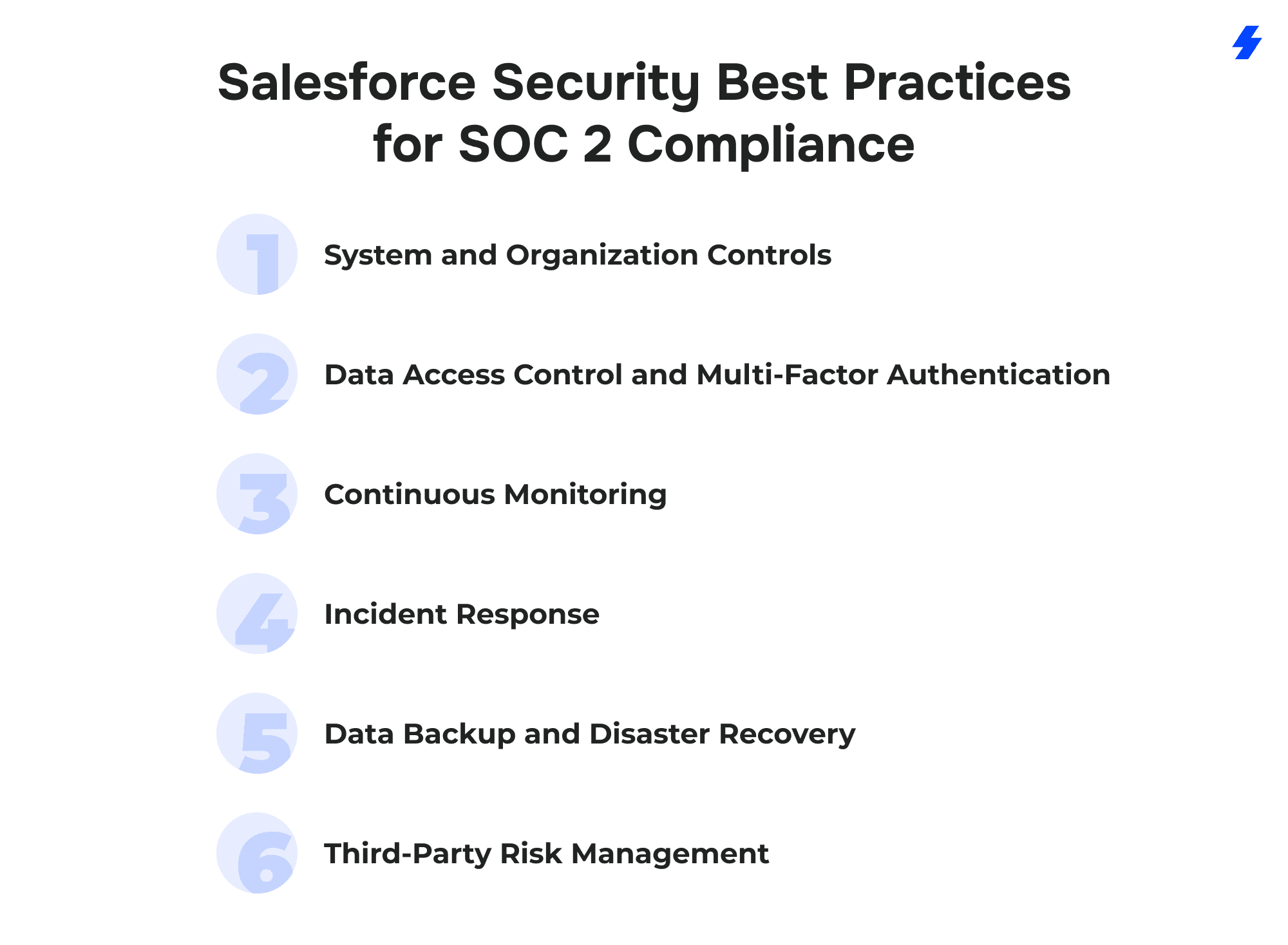
System and Organization Controls
SOC 2 assessments are based on the trust service principles of security, availability, processing integrity, confidentiality, and privacy. Within Salesforce, this means documenting how security features are configured and how they support each principle. Organizations should understand which controls are managed by Salesforce under the shared responsibility model and which controls remain the customer’s responsibility. Clear documentation of security settings, monitoring processes, and review cycles is essential during SOC 2 audits.
Data Access Control and Multi-Factor Authentication
Access to Salesforce must be restricted to authorized users and protected against credential-based attacks. Organizations should enable multi factor authentication for all Salesforce user accounts, especially administrators and users with access to critical data. Strong password security, combined with MFA, reduces the risk of phishing attacks and credential reuse. Additional controls such as IP range restrictions, approved IP ranges, trusted login IPs, and known IP addresses tied to a corporate network help prevent unauthorized access. Users should be required to approve logins when access attempts look suspicious.
Continuous Monitoring
SOC 2 expects organizations to detect and respond to security issues in a timely manner. Salesforce provides security tools such as Event Monitoring, Login History, and Security Health Check to support ongoing visibility into activity and configuration changes. Event Monitoring helps detect unusual behavior tied to cyber threats, malware attempts, or excessive data exports. Security Health Check allows teams to validate Salesforce security settings against a Salesforce baseline standard or custom baseline standards, helping identify drift before it becomes an audit finding.
Incident Response
A documented incident response plan is a core SOC 2 requirement. Salesforce security teams should know how to identify, contain, investigate, and resolve security events involving the Salesforce org. The plan should include escalation paths, communication guidelines, and evidence collection procedures. Regular reviews and tabletop exercises help ensure the incident response process remains effective as the Salesforce environment evolves.
Data Backup and Disaster Recovery
Availability is a key focus area in SOC 2. Salesforce orgs must have reliable data backup and recovery processes to protect against data loss, system failures, or malicious activity. Regular backups should be scheduled and tested to confirm data can be restored within acceptable timeframes. Disaster recovery plans should be documented and reviewed to demonstrate readiness during audits.
Third-Party Risk Management
Integrations and AppExchange applications extend Salesforce functionality but also introduce security risks. SOC 2 compliance requires organizations to assess the security posture of third-party vendors that access Salesforce data. This includes reviewing vendor documentation, monitoring permissions granted to external applications, and reassessing risk when integrations change. Ongoing oversight helps ensure third-party access does not undermine established Salesforce security controls.
Salesforce Security Best Practices for Each Cloud
Salesforce security controls behave differently depending on the Cloud in use. While the underlying Salesforce Cloud security model is shared, each Cloud introduces unique data types, workflows, and exposure risks. Compliance depends on understanding which Salesforce security features are native to the platform and where additional configuration, automation, or governance is required to keep Salesforce data safe.
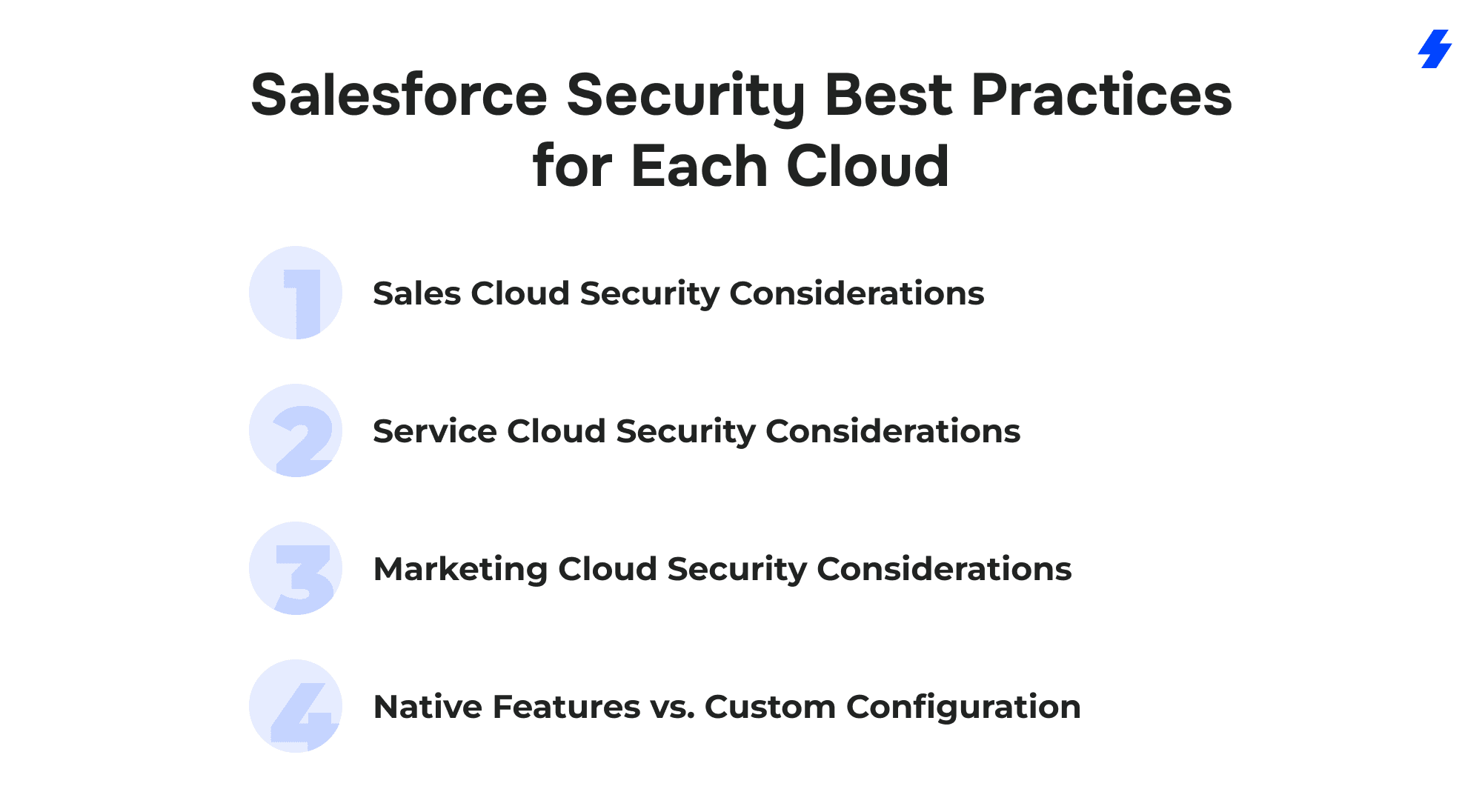
Sales Cloud Security Considerations
Sales Cloud typically contains large volumes of personal data, including contact details, activity history, and deal-related notes. From a compliance perspective, the biggest risks come from overexposed records and unrestricted reporting access.
Sales Cloud supports compliance natively through role hierarchy, sharing rules, field-level security, and login controls. These features allow organizations to limit access to personal data based on territory, role, or deal ownership. Sensitive fields and attachments can be encrypted using Salesforce Shield, but this requires deliberate configuration and ongoing key management.
Reporting access is a frequent blind spot. Even when record-level access is controlled, users may still expose personal data through reports. Report types and report folder access should be restricted to appropriate roles, and the Export Reports permission should be limited to users with a clear business need. Permissions such as View All Data should be reviewed regularly, as they override most sharing controls and can unintentionally broaden data visibility.
Custom work is often required around data retention and deletion. Opportunity and activity data frequently remain long after their business purpose ends, increasing compliance risk. GDPR-focused orgs commonly introduce automated cleanup jobs, scheduled deletions, or anonymization flows to ensure personal data does not persist beyond defined retention periods.
Service Cloud Security Considerations
Service Cloud often processes the most sensitive data because support cases may include personal details, credentials, or healthcare information. Case comments, Email-to-Case, and file attachments are common sources of unintended data exposure.
Native controls include case visibility rules, profile-based access, audit history, and secure login policies. These provide a baseline for compliance, especially when combined with field history tracking and event monitoring.
Email handling requires particular attention. Email-to-Case and routing rules can inadvertently expose PHI or PII through assignment notifications, auto-responses, and forwarded emails, especially when distribution lists or external addresses are involved. Notification content should be reviewed carefully, and routing logic should minimize the amount of case data included outside the platform.
Additional configuration is usually required for secure communications. Encrypted email solutions, restricted file sharing, and locked-down Case Feed visibility and email threading controls are critical when Service Cloud is used in HIPAA- or SOC 2–regulated environments. Controls should ensure that only authorized users can view historical email threads, internal comments, and related files attached to a case.
Marketing Cloud Security Considerations
Marketing Cloud introduces a different compliance challenge because it operates on a separate data model and handles consent-driven communications at scale. Subscriber data, tracking attributes, and engagement history must align with GDPR consent requirements.
Marketing Cloud provides native tools for permission management, data segmentation, and subscriber status control. However, consent logic often needs to be customized to reflect real business rules, especially when integrating with Sales Cloud or external data sources.
Data replication is an often-overlooked risk. Marketing Cloud Connect and Data Cloud synchronization can duplicate personal data across platforms, extending retention unintentionally. Sync rules should be treated as part of the overall retention and deletion design, ensuring that updates, suppressions, and deletions propagate consistently across connected systems.
Encryption, data retention enforcement, and suppression logic frequently require additional configuration or third-party tools. Without these controls, marketing activity can drift out of alignment with GDPR expectations.
Native Features vs. Custom Configuration
Across all Clouds, Salesforce delivers strong baseline security through authentication, access controls, and infrastructure protections. Compliance gaps usually appear in how data is modeled, how long it’s retained, and how access evolves over time.
Native features cover the foundation. Custom configuration, automation, and governance practices are what make Salesforce security hold up under audit pressure.
Salesforce GDPR Reference Implementations and Platform Practices
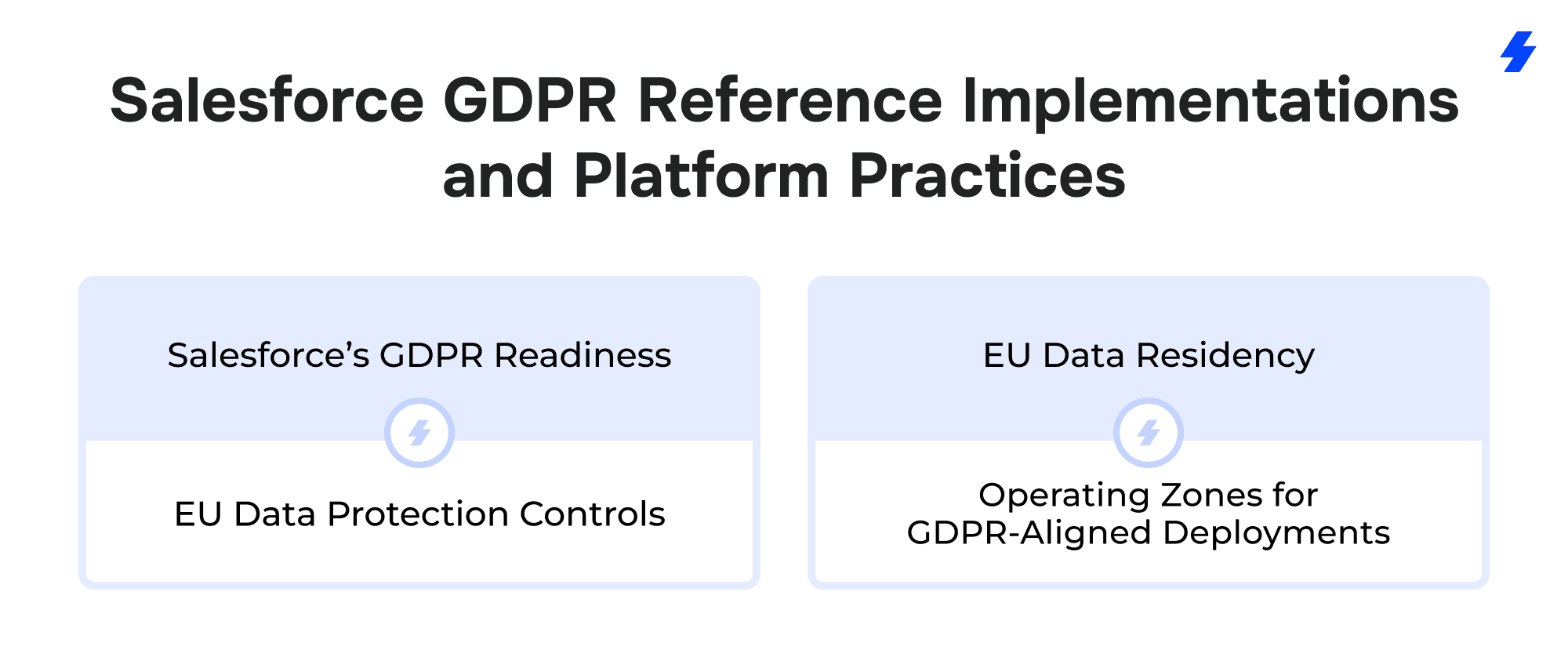
Salesforce’s GDPR Readiness and EU Data Protection Controls
Salesforce’s approach to the GDPR provides a documented example of how a global cloud platform can support compliance at scale. In preparation for GDPR enforcement, Salesforce worked with European data protection authorities to obtain approval of Binding Corporate Rules (BCRs) for processors. BCRs are one recognized mechanism for supporting lawful international transfers of EU personal data, but they do not, on their own, ensure GDPR compliance.
This approval allows customers operating in or with the EU to rely on Salesforce’s documented privacy safeguards and transfer mechanisms as part of their broader compliance programs. Organizations remain responsible for selecting appropriate transfer mechanisms for their use case and for configuring processing controls, access restrictions, and data governance policies when handling EU personal data through Sales Cloud, Service Cloud, or other Salesforce platform offerings.
Salesforce has also published a detailed GDPR resource center outlining how customers can configure their Salesforce orgs to support GDPR obligations, including consent management, data access accountability, and subject rights workflows. That material illustrates common compliance patterns enterprises adopt when building EU-focused security controls into their Salesforce environments.
EU Data Residency and Operating Zones for GDPR-Aligned Deployments
Salesforce has also expanded infrastructure support to address GDPR expectations around data location and control. An example referenced by Salesforce leadership is the Hyperforce EU Operating Zone, where customers can choose to host and process data with EU-based technical and support personnel, helping with data residency requirements and regulatory confidence for European organizations. This setup supports GDPR-aligned security and access governance in multinational Salesforce deployments.
Common Mistakes to Avoid in Salesforce Compliance
Most of these issues arise when teams drift away from established Salesforce best practices as the org grows and changes.
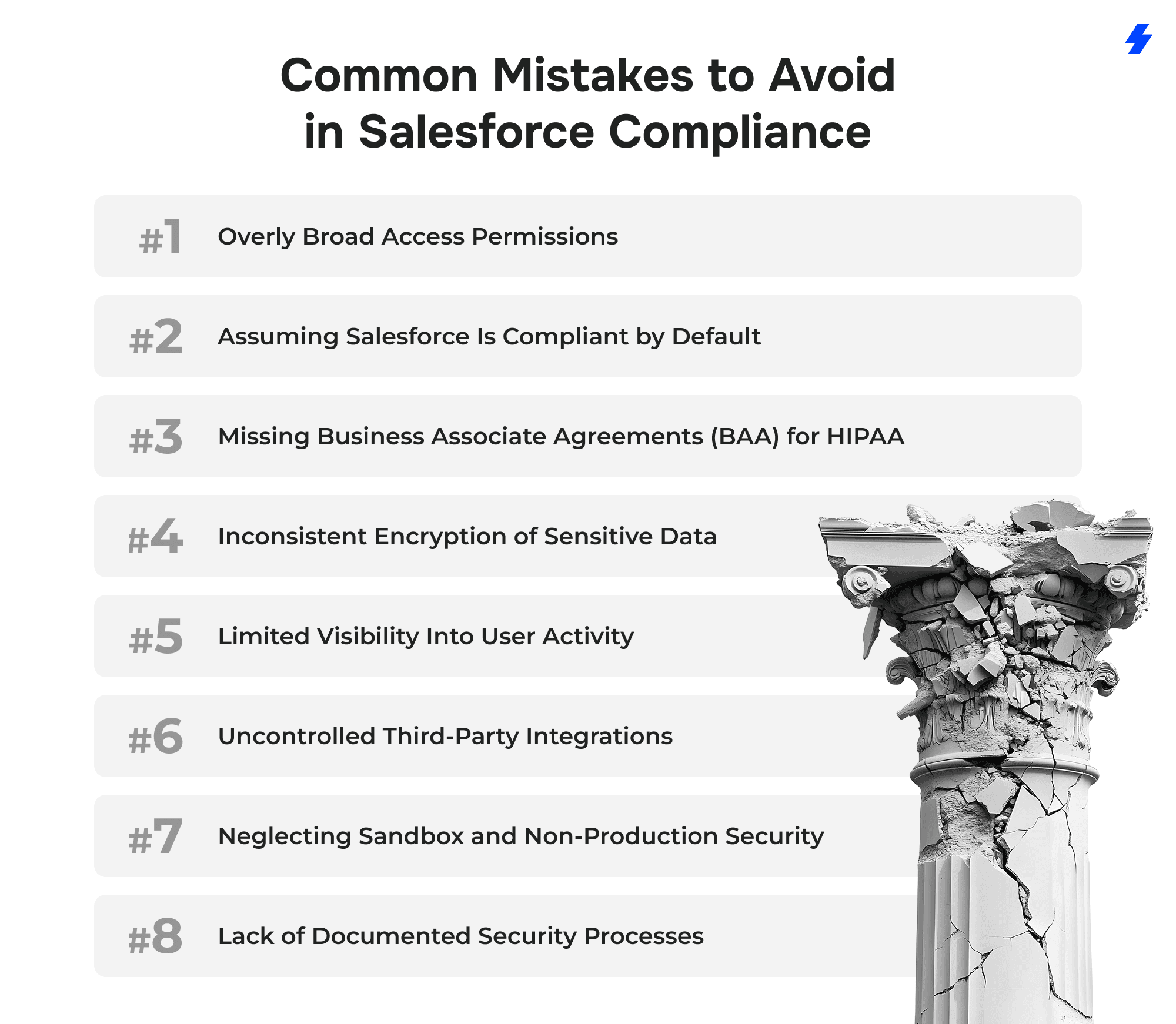
Overly Broad Access Permissions
Challenge: Users accumulate access through profiles, roles, and permission sets that exceed what their job requires, exposing sensitive data unnecessarily.
Solution: Apply least-privilege access using restrictive profiles, layered permission sets, and scheduled access reviews to remove unused or outdated permissions.
Assuming Salesforce Is Compliant by Default
Challenge: Teams rely on Salesforce’s platform security without configuring org-level controls required for GDPR, HIPAA, or SOC 2.
Solution: Treat compliance as a customer responsibility by configuring authentication, access controls, encryption, logging, and governance processes explicitly.
Missing Business Associate Agreements (BAA) for HIPAA
Challenge: Healthcare data is stored in Salesforce without a signed BAA with Salesforce or connected vendors, creating regulatory exposure.
Solution: Execute a BAA before storing or processing protected health information and confirm BAA coverage for all third-party integrations.
Inconsistent Encryption of Sensitive Data
Challenge: Only select fields are encrypted, while files, attachments, reports, or integrations remain unprotected.
Solution: Apply encryption standards consistently across fields, files, attachments, APIs, and connected systems using Salesforce Shield where required.
Limited Visibility Into User Activity
Challenge: Audit logs are enabled but not reviewed, delaying detection of suspicious behavior or misconfigurations.
Solution: Actively monitor Event Monitoring, login history, and audit trails, and define ownership for reviewing and responding to findings.
Uncontrolled Third-Party Integrations
Challenge: Connected apps retain broad permissions long after they are needed, increasing the attack surface.
Solution: Review integration access regularly, restrict OAuth scopes, rotate credentials, and remove unused API tokens.
Neglecting Sandbox and Non-Production Security
Challenge: Sandboxes contain real data but lack proper access controls, encryption, or data masking.
Solution: Enforce the same security standards in non-production environments and mask sensitive data before copying it from production.
Lack of Documented Security Processes
Challenge: Security controls exist but are not documented, creating issues during audits or incident reviews.
Solution: Maintain clear documentation for access reviews, incident response, data retention, and security monitoring to demonstrate consistent compliance.
Tools and Resources for Salesforce Compliance
Salesforce compliance depends on native security features for core controls and carefully selected third-party tools for operational enforcement. These Salesforce security tools help turn policy into enforceable controls.
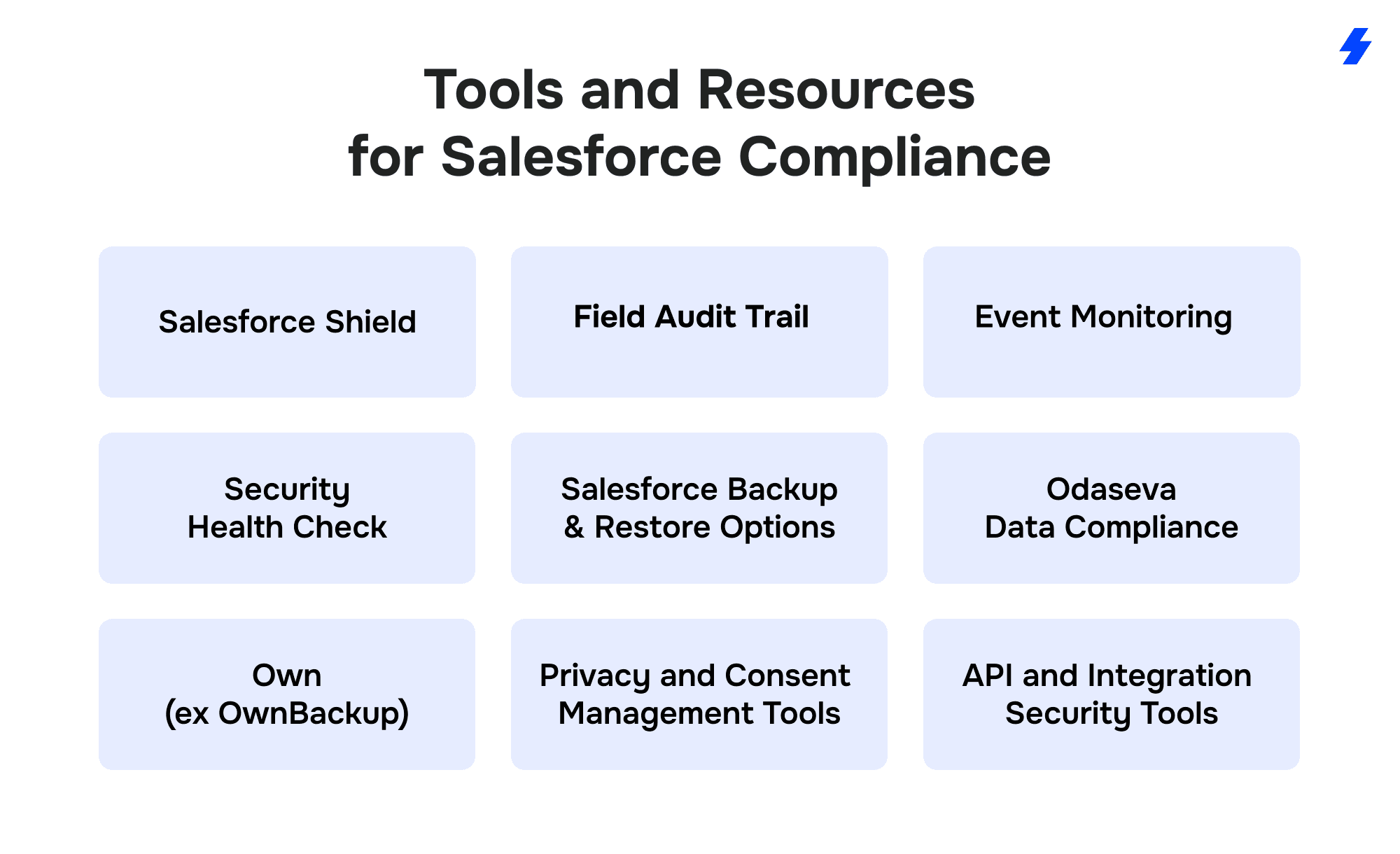
Salesforce Shield
Salesforce Shield is the primary native security add-on used in regulated environments.
It includes Platform Encryption for encrypting selected fields, files, and attachments at rest using org-specific encryption keys managed within Salesforce’s key management framework, Event Monitoring for detailed user and API activity logs, and Field Audit Trail for extended data change retention. Salesforce Shield is frequently referenced in GDPR, HIPAA, and SOC 2 assessments as part of encryption, access monitoring, and auditability controls.
Field Audit Trail
Field Audit Trail extends standard field history tracking by allowing higher limits and longer retention periods.
It supports compliance scenarios where organizations must retain historical data changes beyond default limits, such as healthcare audit requirements or SOC 2 evidence collection. It tracks changes to selected fields but does not capture every system action.
Event Monitoring
Event Monitoring provides access to log files covering logins, API calls, data exports, report execution, and other user activities. It supports detection, investigation, and audit evidence, but it does not actively block behavior.
In practice, logs often need to be exported to a SIEM or centralized logging platform for correlation, alerting, and long-term retention. Effective monitoring also requires an operational process, defined ownership, review cadence, and incident response procedures, to ensure findings are acted on rather than collected passively.
Security Health Check
Security Health Check compares your Salesforce security settings against Salesforce baseline standards or custom benchmarks. It helps assess the organization’s security posture by identifying weak authentication rules, missing MFA enforcement, and risky session configurations.
Running Health Check regularly from Salesforce Setup provides a repeatable way to track your organization’s security status over time.
Salesforce Backup and Restore Options
Salesforce offers export and recovery options as part of the platform, but many organizations adopt dedicated backup tools to support point-in-time restore, automated backup schedules, and auditable recovery processes across data and metadata.
Organizations typically supplement native options with third-party backup tools to meet SOC 2 availability and recovery expectations.
Odaseva Data Compliance
Odaseva focuses on enterprise-scale data governance for Salesforce.
It supports automated handling of data subject requests, retention and deletion enforcement, sandbox data anonymization, and data residency controls. These capabilities are commonly used in GDPR programs and large multi-org environments.
Own (formerly OwnBackup)
Own provides automated backups of Salesforce data and metadata with point-in-time recovery. It supports disaster recovery and business continuity requirements often reviewed during SOC 2 audits.
Own does not replace access controls or encryption but complements them by addressing data availability and recovery risk.
Privacy and Consent Management Tools
Consent and privacy management tools on AppExchange help automate consent tracking, deletion workflows, and suppression logic.
They rely on Salesforce data models and security settings and should be evaluated carefully to ensure they do not introduce over-permissioned access.
API and Integration Security Tools
API governance and SaaS security posture tools help monitor connected apps, OAuth scopes, token usage, and integration behavior.
They are typically used alongside Salesforce Event Monitoring to reduce integration-related risk and improve visibility for SOC 2 and HIPAA environments.
Why Choose MagicFuse for Salesforce Compliance Implementation
At MagicFuse, compliance implementation is grounded in how Salesforce is actually built, customized, and operated, across clouds, integrations, and user roles. Our focus is on making security controls enforceable, auditable, and sustainable as your Salesforce environment grows.
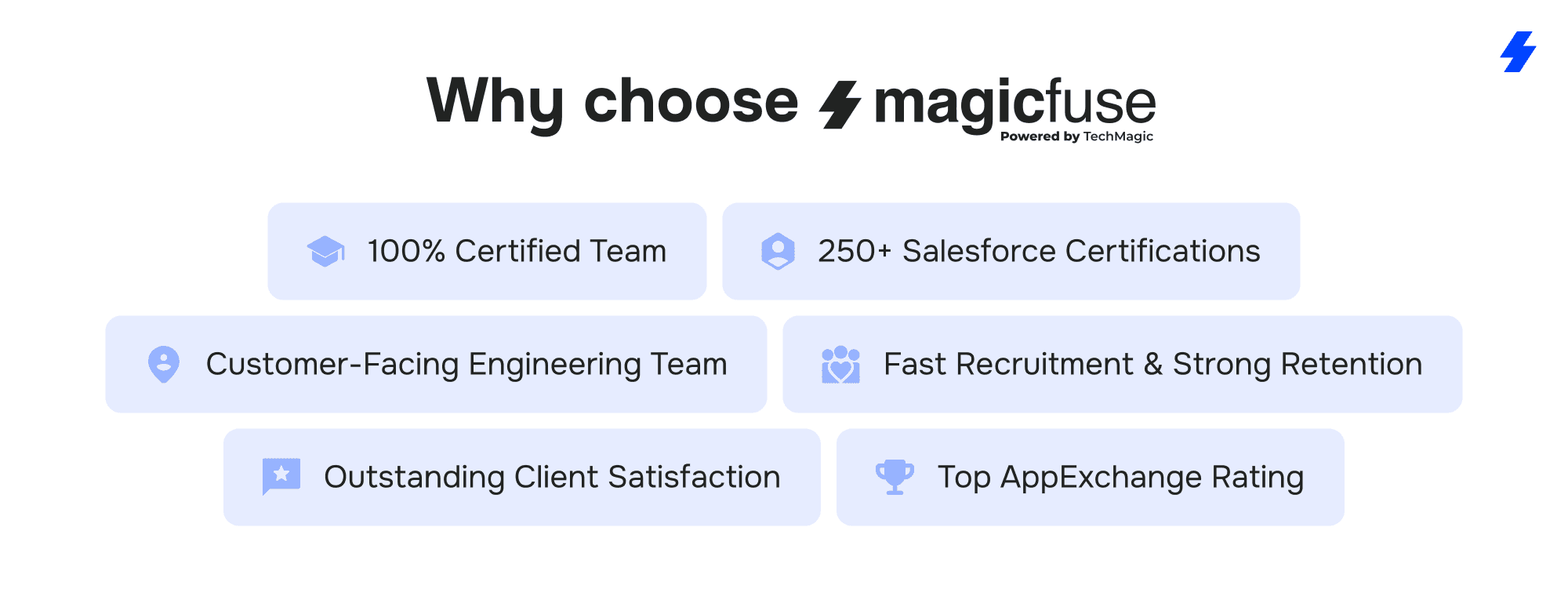
100% Certified Engineering Team
Every engineer at MagicFuse holds active Salesforce certifications. This ensures that compliance-related decisions, profiles, permission sets, encryption, audit trails, and integrations are implemented using platform-correct patterns rather than assumptions or shortcuts.
250+ Salesforce Certifications
Our team has earned more than 250 Salesforce certifications across architecture, development, data, and cloud specializations. Recent credentials such as Experience Cloud Consultant, Data Cloud Consultant, and B2B Solution Architect reflect ongoing hands-on experience with newer Salesforce products that frequently introduce compliance risk when misconfigured.
Customer-Facing Engineering Model
MagicFuse engineers work directly with clients. There are no layers between the people designing security controls and the stakeholders responsible for compliance outcomes. This approach reduces miscommunication and allows faster resolution of audit findings, security questions, and change requests.
Fast Recruitment with Long-Term Retention
We maintain an average hiring cycle of six weeks while keeping employee retention above three years. For compliance projects, this means continuity. The engineers who design your Salesforce security posture remain available to support audits, enhancements, and regulatory changes over time.
Proven Client Satisfaction
Our Net Promoter Score of 92% reflects long-term partnerships rather than short engagements. Clients rely on MagicFuse not only to implement Salesforce security controls but also to maintain them as org complexity increases.
Trusted AppExchange Partner
MagicFuse holds a 4.9-star rating on Salesforce AppExchange. This reflects consistent delivery quality across implementation, optimization, and ongoing Salesforce support, particularly in regulated environments where reliability matters.
Prepare your Salesforce environment for audits, not surprises.
Contact MagicFuse to review your security posture, remediate risks, and build compliance into daily Salesforce operations.
FAQs
- What steps should I take to ensure GDPR compliance in Salesforce?
Limit data collection, enforce least-privilege access, encrypt sensitive data, track consent, and automate data access and deletion requests. Review access and audit logs regularly.
- How does Salesforce ensure HIPAA compliance for healthcare clients?
Salesforce supports HIPAA use under a Business Associate Agreement and provides encryption, access controls, and audit logging. Compliance depends on how the customer configures and governs the org.
- What security features does Salesforce offer to help meet SOC 2 requirements?
Key features include MFA and SSO, granular access controls, encryption, Event Monitoring, an Audit Trail, and platform reliability, backed by documented backup and recovery processes.
- How can I automate compliance monitoring within Salesforce?
Use Event Monitoring, Login History, and Setup Audit Trail with scheduled reports, alerts, and dashboards. Many teams also forward logs to a SIEM for centralized monitoring.
- Can MagicFuse assist with Salesforce compliance audits and configurations?
Yes. MagicFuse assesses your org, configures security controls, remediates audit findings, and helps maintain compliance across GDPR, HIPAA, and SOC 2.